 Floors
Draw floors in any mode except elevation.
Floors may used for many things:
|
|
Contents
Draw Floor
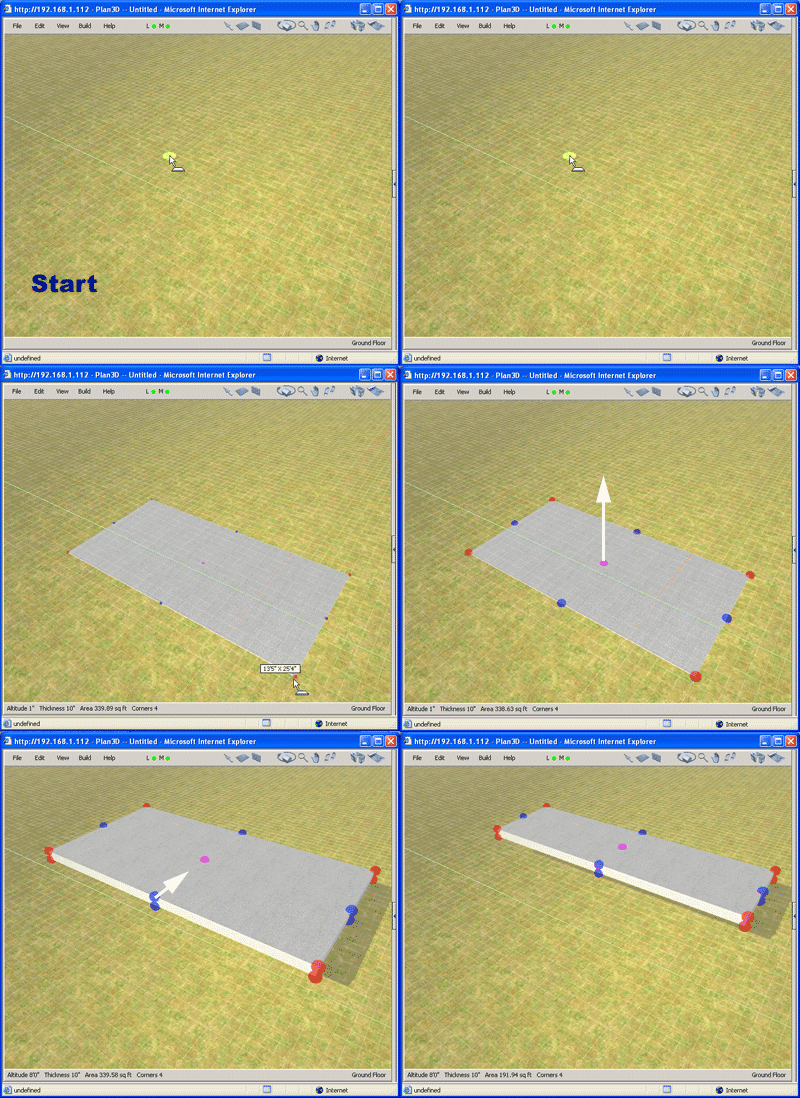
Floors are rectangular slabs that may be used for floors, stair landings, sidewalks, driveways, flat roof tops and porches.
Choose Build> Draw Floor and click-and-drag viewing
area. Example:
Adjust Floor Size
Length and width are adjusted with blue handles. Ctrl-click edges to add new points.
Thickness: Right-click wall and choose "Set Floor Dimensions..."
Select Floor
Double-click to select.
Delete Floor
Select floor and press Delete or Backspace.
Move Floor
Click on floor and drag.
Lock Floor
Right-click floor and choose "Lock" to secure it from accidental movements.
Floor Coverings and Materials
Drag floor coverings onto floors from the Directory. Drag other materials onto floors to use them for:
|
|
To Cover Part of a Floor see Build> Draw Material.
Also see About Materials and Build> Draw Floor for more information.